Bypass Strict File Limits: The Ultimate Low Quality Image Hack for Discord & Forums
We have all been there. You finally find the absolute perfect, most unhinged reaction picture for your Discord avatar or a retro gaming forum. You click upload, wait for the magic, and then—BAM.
"Upload Failed: File exceeds maximum limit of 50KB."
It is infuriating. Your photo is 4MB. How are you supposed to magically shrink it by 98%?
If you use a standard, run-of-the-mill image compressor, it will do the worst thing possible: it will shrink the physical dimensions of your picture. Your glorious 1080x1080 meme gets reduced to a microscopic 50x50 pixel stamp that nobody can even read.
There is a much better way. You don't need a smaller picture. You need a low quality image.
Today, we are talking about the dark art of extreme JPEG compression, and how you can nuke your file size while keeping your image massive.
Why Standard Compression Fails You
Most online image shrinkers are designed for photographers. They try to maintain a "perfect" balance between file size and visual clarity. If you tell them to reduce a 4MB photo to 50KB, their algorithms panic. Because they refuse to destroy the visual fidelity, they simply shrink the canvas size instead.
But in meme culture and internet shitposting, visual fidelity is a joke.
We actually want the destruction. We want the crunchy, artifact-heavy, deep-fried look. By explicitly generating a low quality image, we are commanding the software to ignore visual purity entirely.
The JPEG Artifact Hack
When you use a dedicated low quality image maker, it attacks the file size from a completely different angle: the compression parameters.
Instead of making the picture physically smaller, the tool drops the JPEG quality parameter down to 1% or 2%. This forces the image format to group similar colors together into large, blocky squares (known as JPEG artifacts).
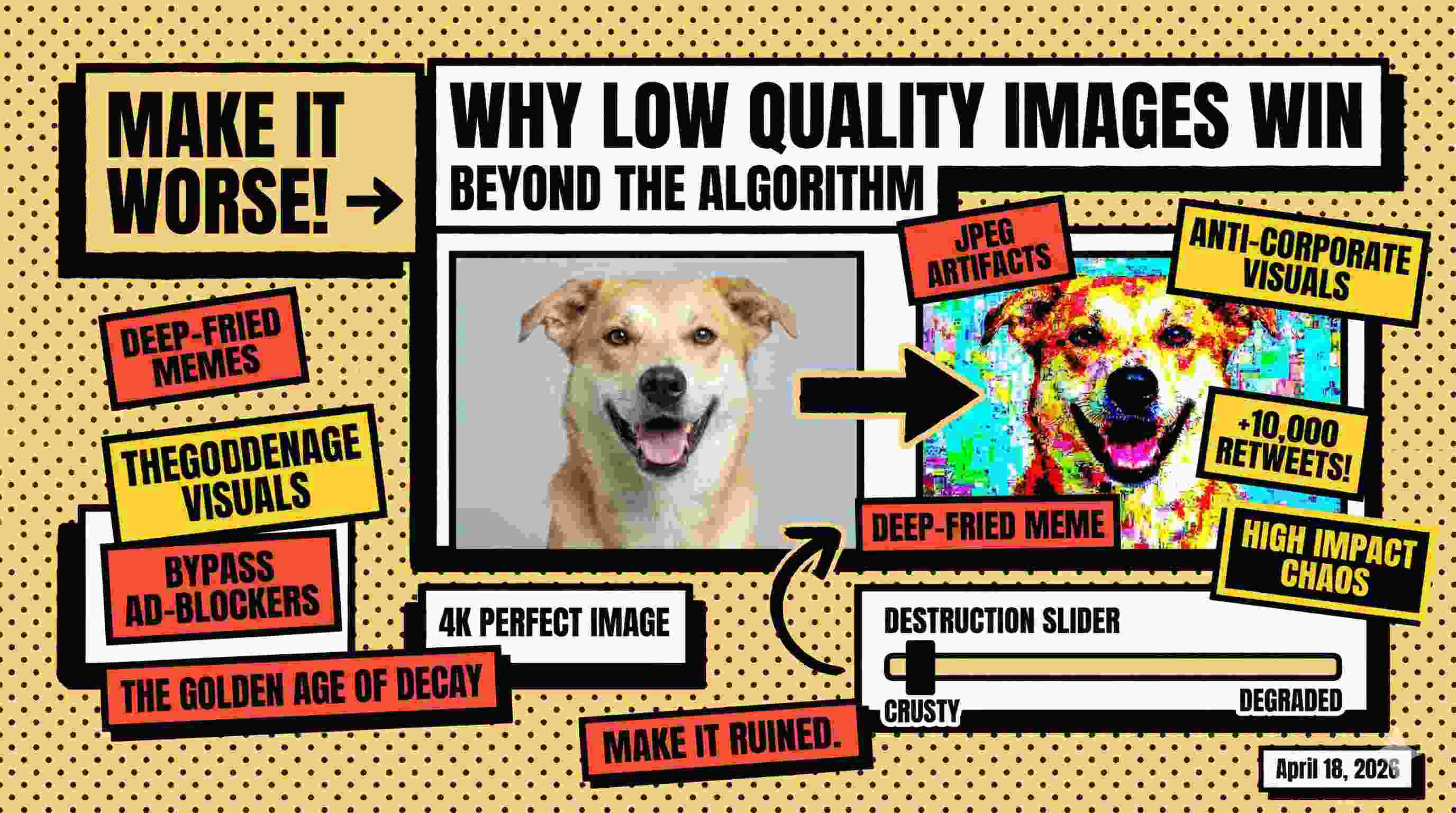
The result? The structural dimensions of your image remain exactly the same (e.g., still 1080x1080), but because the color data has been brutally simplified, the file size plummets from 4MB to a tiny 45KB footprint.
You successfully bypass the Discord upload limit, and as a bonus, your image now has that highly coveted, chaotic "deep-fried" aesthetic. It's a win-win.
How to Crush Your File Size Right Now
Stop fighting with Photoshop export settings. Stop Googling generic compressors that ruin your image dimensions. Here is how you do it in five seconds using our specialized tool.
- Upload the heavy file: Drag your massive JPG or PNG into our Low Quality Image Maker.
- Nuke the slider: Grab the destruction slider and pull it all the way to the left.
- Monitor the live preview: You will see the image instantly degrade. Watch the real-time file size indicator drop well below your 50KB or 100KB target.
- Download and bypass: Save your freshly ruined, incredibly lightweight low quality image and upload it to your platform of choice. No more error messages.
A Secret Weapon for Webmasters
This trick isn't just for forum avatars. If you run a WordPress blog or a Shopify store, you know that massive hero images destroy your Google Core Web Vitals score. Slow loading times kill SEO.
While you shouldn't deep-fry your actual product photos, you can use this same principle on background textures or secondary graphics. Intentionally running massive background elements through an extreme compressor creates a slightly degraded, ultra-fast-loading low quality image that saves massive amounts of bandwidth. Your mobile users on 3G connections will thank you.
Embrace the Crunch
The next time a website tells you your image is too big, don't crop it. Don't shrink the dimensions. Just destroy the quality.
Drop the resolution, crank the artifacts, and let the compression do the heavy lifting.
Crush your file size instantly with our free image destroyer →