Stop Posting Perfect Photos: The Ultimate Guide to the Low Quality Image Aesthetic
Let's be brutally honest for a second. We live in an era where every smartphone has a 48-megapixel camera, and everyone is posting crystal-clear, heavily filtered, absolutely perfect photos.
And guess what? They are boring.
In modern internet culture, perfection gets scrolled past. What actually makes people stop, laugh, and share? Chaos. Absurdity. A picture so heavily compressed and pixelated that it looks like it was dragged through a digital deep fryer.
Welcome to the era of the low quality image.
This isn’t about having a bad camera. It’s an intentional, highly curated aesthetic. Today, we are going to break down exactly why this chaotic visual style dominates Reddit, Discord, and TikTok, and how you can make your own in seconds without downloading sketchy software.
The Psychology Behind the Pixels
When we talk about a low quality image, we aren't talking about a slightly blurry selfie.
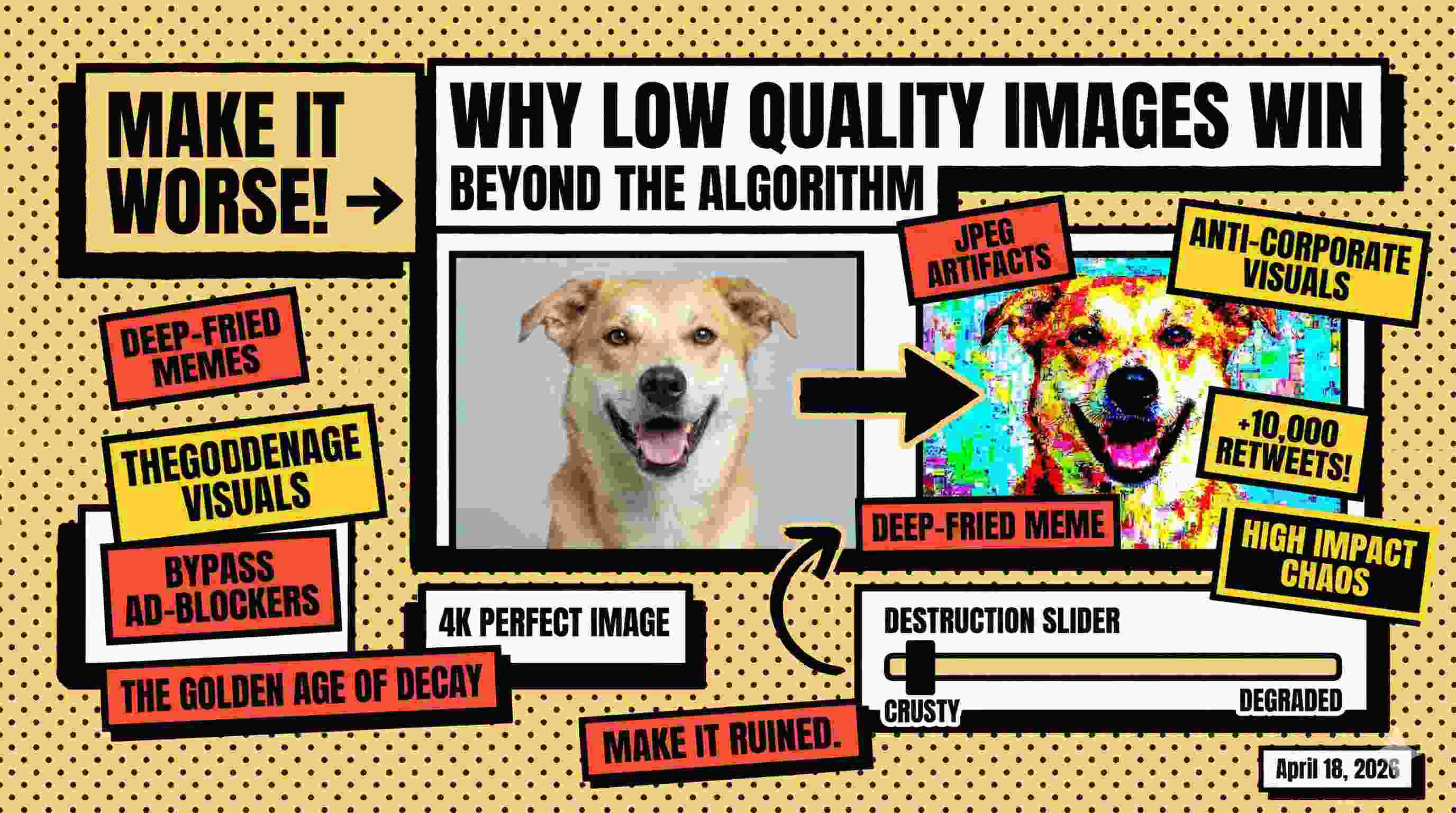
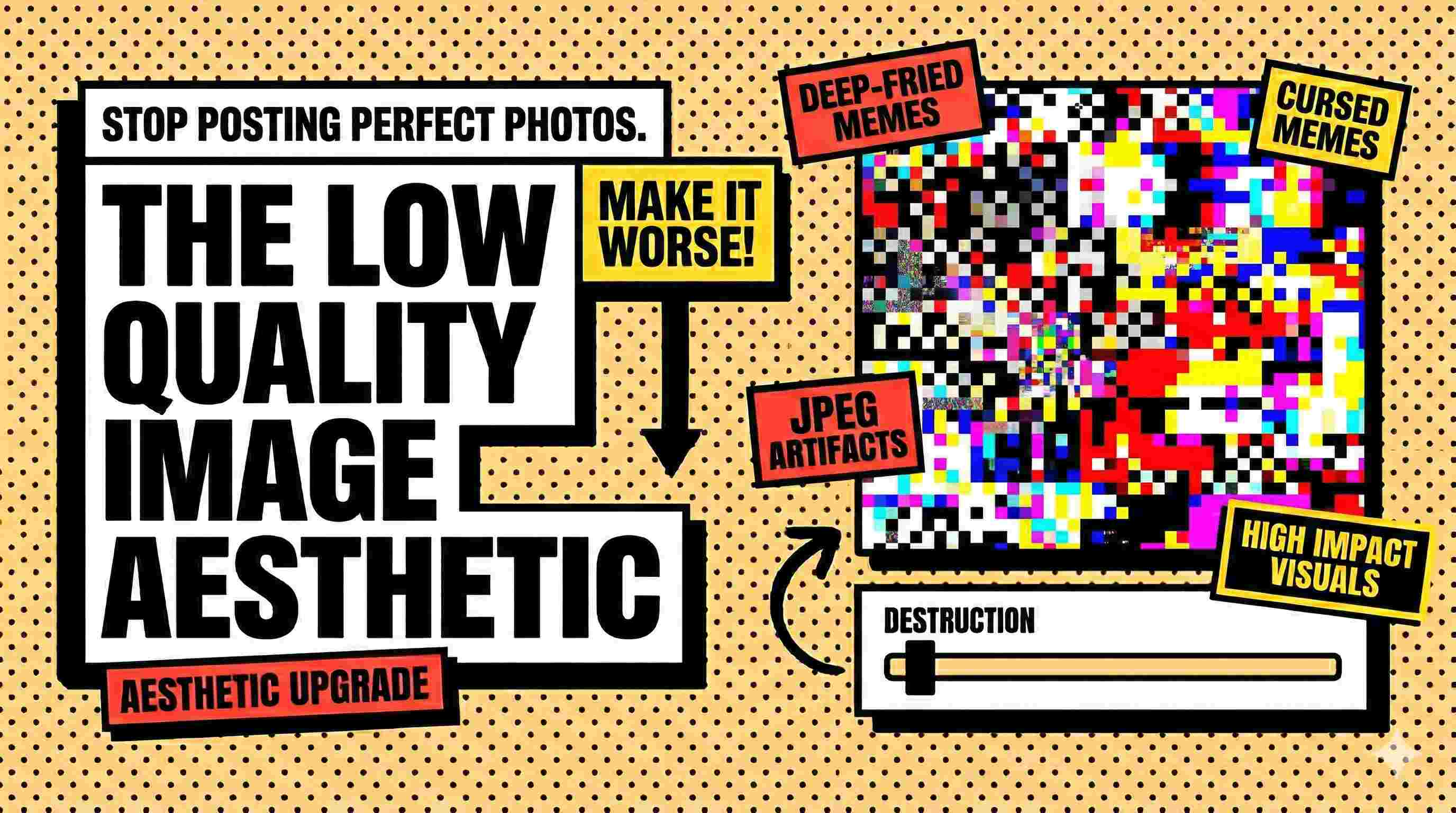
We are talking about visual destruction. Heavy JPEG artifacts. Blown-out contrast. Neon green and pink pixelation. It’s the digital equivalent of turning the bass on a speaker up so high that the audio physically distorts.
A perfectly crisp meme feels corporate and staged. A heavily degraded, crusty picture feels like an inside joke you stumbled upon at 3 AM. It conveys a chaotic energy that high-resolution simply cannot match.
Why You Actually Need a Dedicated Tool
If you're running a meme page, a Discord server, or even just optimizing a website, you need a dedicated tool for this. You can't just screenshot a photo ten times to get the right look anymore. Time is money.
- Meme Supremacy: The "deep fried" aesthetic is the backbone of modern humor. It instantly adds a layer of irony to any picture.
- Bypassing File Limits: Old-school forums and certain gaming platforms still have ancient 50KB avatar limits. A brutal compression tool fixes this instantly.
- Web Performance: If you aren't making memes, extreme compression is how webmasters turn a 5MB hero banner into a 50KB lightweight file to drastically speed up page load times.
Step-by-Step: How to Generate the Perfect Crusty Picture
You don't need Photoshop to do this. Here is the exact workflow using our completely free Low Quality Image Maker.
Step 1: Upload Your Canvas
Drag and drop your file (JPEG, PNG, or WebP) into the upload zone. Heavy files up to 100MB are completely fine. We process everything locally right in your browser, so your files never touch a remote server.
Step 2: Dial in the Destruction
This is where the magic happens. Grab the quality slider and pull it to the left. You aren't just shrinking the file size; you are actively introducing compression artifacts. Watch the live preview update in real-time until it looks sufficiently ruined.
Step 3: Download and Dominate
Once your masterpiece is perfectly pixelated, hit download. Your new low quality image is yours forever, with zero forced watermarks or hidden paywalls.
3 High-Impact Use Cases
1. The "Cursed" Reaction Image
Someone says something unhinged in the group chat. A 4K reaction photo isn't funny. But a heavily artifacted, nearly unrecognizable low quality image of a cat staring blankly? Hilarious. It’s the ultimate conversation ender.
2. Discord & Forum Avatars
Stop getting the annoying "File too large" error. Crush your custom avatar down to 1% quality to bypass strict 50KB or 100KB restrictions effortlessly while maintaining the original dimensions.
3. Ruthless Web Optimization
Webmasters, listen up. If your blog has massive hero images, your SEO is suffering. Run them through an extreme compressor. A slightly degraded image that loads in milliseconds is always better for Google rankings than a pristine 4K photo that takes three seconds to load.
Frequently Asked Questions
Does crushing the quality shrink the physical dimensions? No. Most standard compressors force your picture into a tiny thumbnail. Our tool specifically targets the JPEG quality parameters, giving you massive, authentic pixel blocks while keeping the original image width and height intact.
Is it really 100% private? Yes. Unlike other sites that force you to upload files to their cloud, our low quality image generator handles all the computations on your local device.
Can I use it on my phone? Absolutely. Our tool is fully browser-based, meaning you can deep fry photos directly from your iPhone or Android without downloading any sketchy mobile apps.
Final Takeaway: Perfection is Overrated
Whether you are trying to build the ultimate cursed meme stash or just trying to force a massive file past a strict email attachment limit, extreme compression is the answer.
Stop fighting with complex editing software and clunky apps.
Destroy your first picture with our Low Quality Image Maker today →